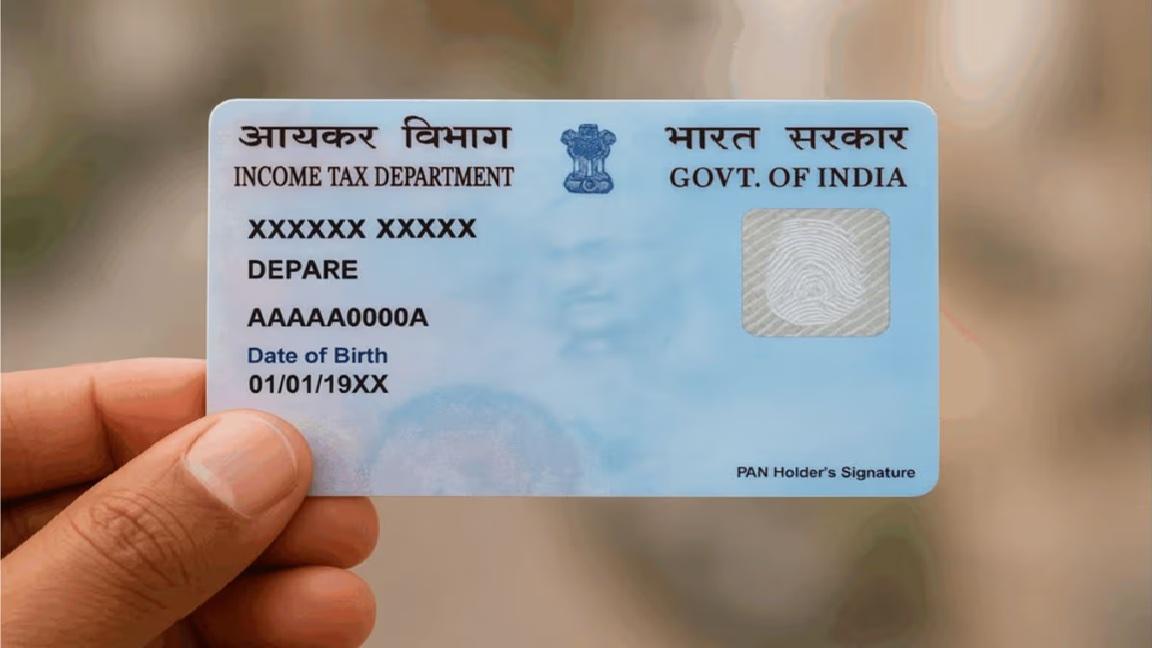
PAN Card Apply Online 2026: Free vs Paid Methods Explained
Get an Indian PAN card in 10 minutes for free, or pay ₹107 for the physical card — full step-by-step for both, plus the ePAN trick most online services don't tell you about.
The free PAN trick most websites don't mention
Search "PAN card apply online" on Google in India and the top 5 results will quietly assume you'll pay ₹107 to NSDL. Most users follow along, fill the form, pay, and wait three weeks for a physical card.
The Income Tax Department offers a free, instant (10-minute), digitally-signed, fully legal ePAN through incometax.gov.in. Aadhaar-only, no documents, no fees, no waiting.
For 95% of use cases — bank account opening, demat account, ITR filing, GST registration, hotel bookings — this free ePAN is identical to a paid one.
The other 5% (people who need a physical card for some specific verification) still benefit, because the paid PAN service also gives you the same ePAN PDF as a free byproduct.
Path 1 — Free instant ePAN (recommended for everyone with Aadhaar)
What you need
- Aadhaar number (mandatory)
- Mobile number linked to that Aadhaar (for OTP)
- ~10 minutes
Step-by-step
Step 1 — Visit the official portal
Go to https://www.incometax.gov.in.
The portal looks heavy at first glance. Look for Quick Links in the left sidebar. Click Instant E-PAN.
Step 2 — Choose "Get New e-PAN"
The Instant E-PAN page has three buttons: Get New, Check Status / Download, and Update PAN Details. For first-time, click Get New e-PAN.
Step 3 — Enter Aadhaar
- Enter your 12-digit Aadhaar number
- Tick the consent boxes (read them; they explain that the IT Department reads name/DOB/address from UIDAI)
- Captcha
- Click Continue
Step 4 — Aadhaar OTP
The portal triggers an OTP to your Aadhaar-registered mobile. Enter it. This is the only authentication step.
Step 5 — Verify pre-filled details
The form auto-fills:
- Full name (from Aadhaar)
- Date of birth (from Aadhaar)
- Gender (from Aadhaar)
- Address (from Aadhaar)
You cannot edit these here. If your Aadhaar has the wrong name or address, the PAN will inherit those errors. Fix Aadhaar first.
Confirm and submit.
Step 6 — Receive acknowledgment
Within seconds, you get an acknowledgment number. The PAN is being generated. You'll receive an email/SMS confirmation when ready — typically within 10 minutes.
Step 7 — Download e-PAN PDF
Return to the same portal → Check Status / Download e-PAN → enter Aadhaar + OTP → Download e-PAN.
The PDF is password-protected:
- Password = your DOB in DDMMYYYY format (no spaces, no slashes)
- Example: birth date 5 July 1995 → password = 05071995
The PDF is digitally signed and valid forever. Save multiple copies in DigiLocker, your email, and a cloud drive.
Path 2 — Paid PAN with physical card
When to use this path
- You don't have an Aadhaar
- You need a physical card for a specific verification (rare)
- You're updating an existing PAN with new name/address details
- You're a foreign citizen applying for an Indian PAN
Where to apply
Two official providers, identical fees and process:
| Provider | URL | Notes |
|---|---|---|
| NSDL / Protean | onlineservices.nsdl.com | Larger market share, slightly better UI |
| UTIITSL | pan.utiitsl.com | Often faster for corrections / re-issue |
Fees
| Service | India address | Foreign address |
|---|---|---|
| New PAN, e-PAN only (e-KYC) | ₹66 | ₹66 |
| New PAN, physical card | ₹107 | ₹1,017 |
| PAN correction / reprint | ₹107 | ₹1,017 |
(Fees include GST. Verify current values on the portal before paying.)
Step-by-step
- Visit either NSDL or UTIITSL portal
- Choose New PAN — Indian Citizen (Form 49A) or Form 49AA (foreigner)
- Pick the e-KYC mode (uses Aadhaar) or paper mode (upload documents)
- Fill the form — name, DOB, parent details, address, contact, source of income
- Pay ₹107 by UPI / card / net banking
- If e-KYC: Aadhaar OTP completes the application — no upload needed
- If paper: courier the signed Form 49A + photo + ID/address proof to the address shown
- Track status with the 15-digit acknowledgment number
- Receive PAN by India Post in 15-20 days
The ePAN PDF is also issued in this flow — you don't have to wait for the physical card to start using your PAN digitally.
What documents work as proof (paper mode)
If you use the offline / non-Aadhaar route, you need three categories of proof:
Identity proof (any one)
- Passport
- Voter ID
- Driving licence
- Ration card with photo
- Government ID with photo
- Pension card
- Photo ID issued by central/state government
Address proof (any one)
- Aadhaar (despite not using e-KYC)
- Passport
- Voter ID
- Bank passbook
- Recent (≤ 3 months) electricity / gas / water / telephone bill
- Rent receipt + rent agreement
- Property tax assessment
Date of birth proof (any one)
- Birth certificate
- Aadhaar
- Passport
- Matriculation certificate
- Marriage certificate (in some cases)
- Driving licence
- Pension card
Common scenarios
"I'm a student / 18-year-old applying for first PAN"
Use the free instant ePAN. You don't need a physical card for any typical student use (bank account, demat, fellowship). 10 minutes, done.
"I'm an NRI"
Use Form 49AA at NSDL or UTIITSL. ₹1,017 for foreign delivery, or ₹107 if you have an Indian address (relative / lawyer). Aadhaar isn't required.
"I lost my PAN card and have no copy"
- If you have your PAN number, use NSDL/UTIITSL PAN Reprint option: ₹107, 15-20 days.
- If you don't remember your PAN number, find it via incometax.gov.in → Know Your PAN (uses name, DOB, mobile).
- For just the digital copy, Download e-PAN at incometax.gov.in is free and instant.
"I changed my name after marriage"
File PAN Correction at NSDL or UTIITSL with marriage certificate as proof. ₹107 fee. Update Aadhaar first — PAN inherits Aadhaar's data in e-KYC mode, so an outdated Aadhaar produces an outdated PAN correction.
"I have a duplicate / erroneous second PAN"
Two PANs is illegal. Surrender one immediately at NSDL: form "Request for New PAN Card / Changes or Correction in PAN Data", tick the surrender option, attach a self-declaration. Heavy penalty (₹10,000 under Section 272B) if found with two active PANs.
The instant-ePAN-doesn't-show-up troubleshooting
Sometimes the 10-minute ePAN takes hours or fails. Common causes and fixes:
| Problem | Fix |
|---|---|
| OTP not received | Check Aadhaar-mobile linking; try after 5 minutes |
| "Aadhaar not authenticated" error | Mobile not linked to Aadhaar — visit Aadhaar Seva Kendra |
| Stuck on "Submitted, awaiting processing" | Wait up to 24 hours; usually completes in 10 min but can take longer at peak |
| Name mismatch with Aadhaar | Ensure your name in the form matches Aadhaar exactly (incl. spaces and middle names) |
| Already have a PAN | The system blocks issuance if your Aadhaar is linked to an existing PAN — it'll say so |
| Foreign citizen | Cannot use the instant ePAN flow — must use Form 49AA |
After getting your PAN — what to do next
The most important thing every new PAN holder must do, in order:
- Link Aadhaar to PAN — required by law. Free, instant, on incometax.gov.in. Penalty for not linking can include PAN inactivation.
- Save the e-PAN PDF in DigiLocker — your phone-loss-proof copy.
- Use the PAN to file your first ITR — even with zero income, filing a "nil" return creates a track record useful for visa applications, loans, and large purchases.
- Update PAN with your bank, demat, EPF, and major service providers — anywhere you'd previously used a passport or driving licence as ID.
For ITR filing once you start earning, see ITR-1 vs ITR-2: which to file. For Aadhaar updates that affect PAN data, see Aadhaar Card Update Online.
Common mistakes that cost you 3+ weeks
- Paying for ePAN when free version exists — ₹66+ wasted
- Applying via random "PAN service" Google ads — many are middleman sites charging ₹500-₹2,000 for what NSDL/UTIITSL do for ₹107
- Wrong DOB format in the password — DDMMYYYY, not DD/MM/YYYY
- Not updating Aadhaar mobile before applying — single most common point of failure
- Filling Form 49A in CAPS LOCK randomly — system rejects mixed formatting; follow the instructions
- Submitting a too-recent address proof — utility bills must be ≤3 months old at submission, not at acceptance
- Two PANs by accident — common when you applied years ago and forgot. Always run Know Your PAN before re-applying.
Bottom line
The Indian PAN system is one of the cleanest, fastest e-governance flows available today. If you have an Aadhaar with a linked mobile number, you can have a fully legal PAN in your hand in 10 minutes, for free. The fact that most online articles still funnel users into the paid route is a quiet failure of the SEO ecosystem.
Use the free instant ePAN unless you have a specific reason to need a physical card. If you do — it's still ₹107, not the inflated rates some middleman portals charge.
Once you have it, link it to Aadhaar, file at least one ITR, and keep the digital PDF in DigiLocker. That's the entire PAN lifecycle.
Frequently asked questions
Yes, completely. The instant ePAN issued via incometax.gov.in is digitally signed by the Income Tax Department and has the same legal validity as a physical PAN card. Banks, demat accounts, and government portals accept it. The only situation where you might want a physical card is if a verifier specifically asks to see one — increasingly rare.
Vikas
Founder & Editor
Founder of Bharat Sarvaseva. Writes on Indian taxes, government schemes, and citizen services with a focus on actually getting things done.
Related reading
Aadhaar Card Update Online: Address, Mobile, Photo — Full Guide 2026
Step-by-step guide to update Aadhaar address, mobile, name, DOB, photo, and biometrics — what's possible online vs centre-only, fees, documents, and timelines.

DigiLocker Complete Guide 2026: How to Stop Carrying Documents
How DigiLocker actually works in 2026 — issuing documents, sharing them, what's legally accepted, the verification API, and the things most users get wrong.
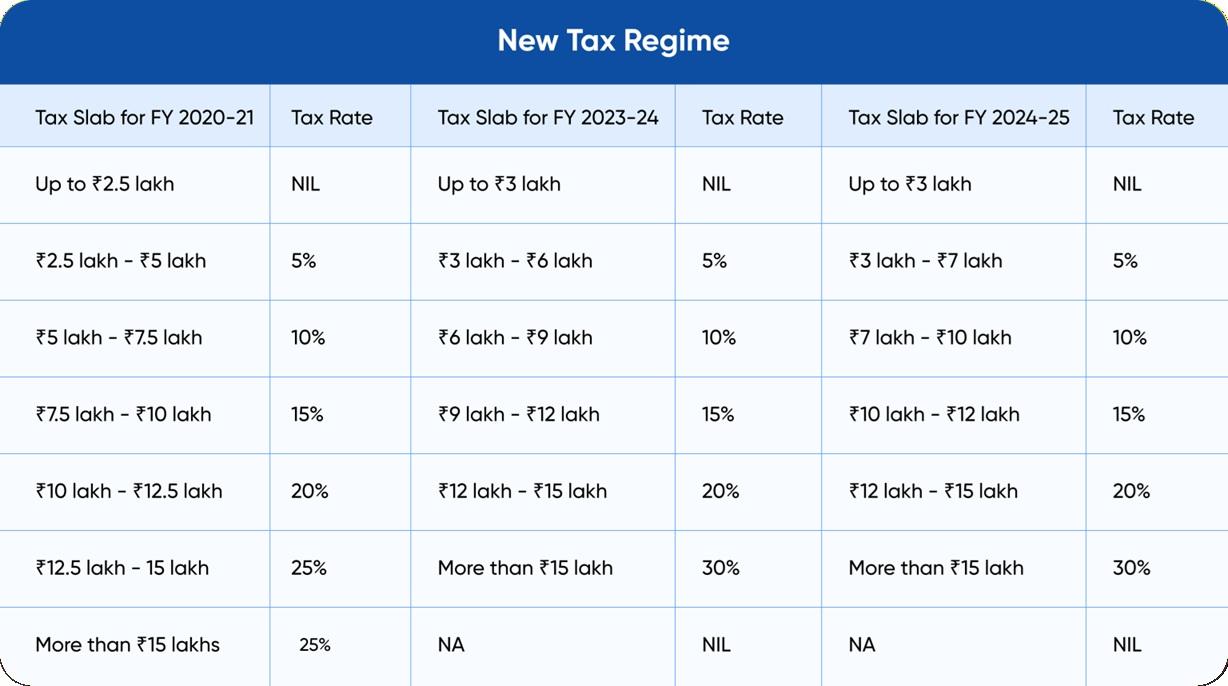
Old vs New Tax Regime 2026: Salary-Wise Calculator (₹5L to ₹50L)
Salary-wise calculator + decision rules for choosing between old and new tax regime in 2026 — what you actually save at ₹5L, ₹10L, ₹20L, and ₹50L income, with the 30-second decision shortcut.